Getting started · 5 min read
Import a Twine or WebGAL story into Pominis
Bring a published Twine story or a WebGAL game into Pominis: which Harlowe and SugarCube features carry over, which WebGAL commands convert, and what to check.
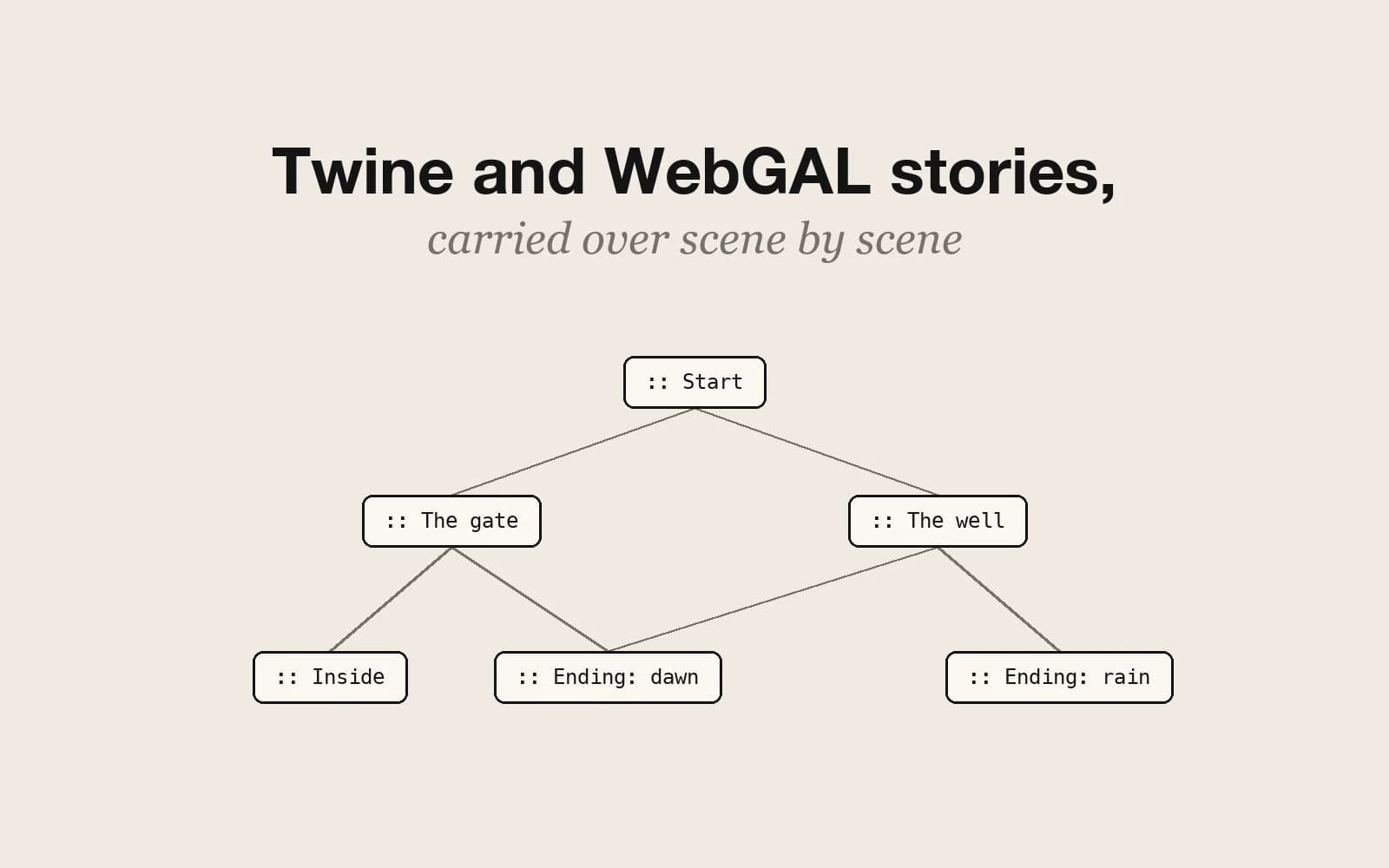
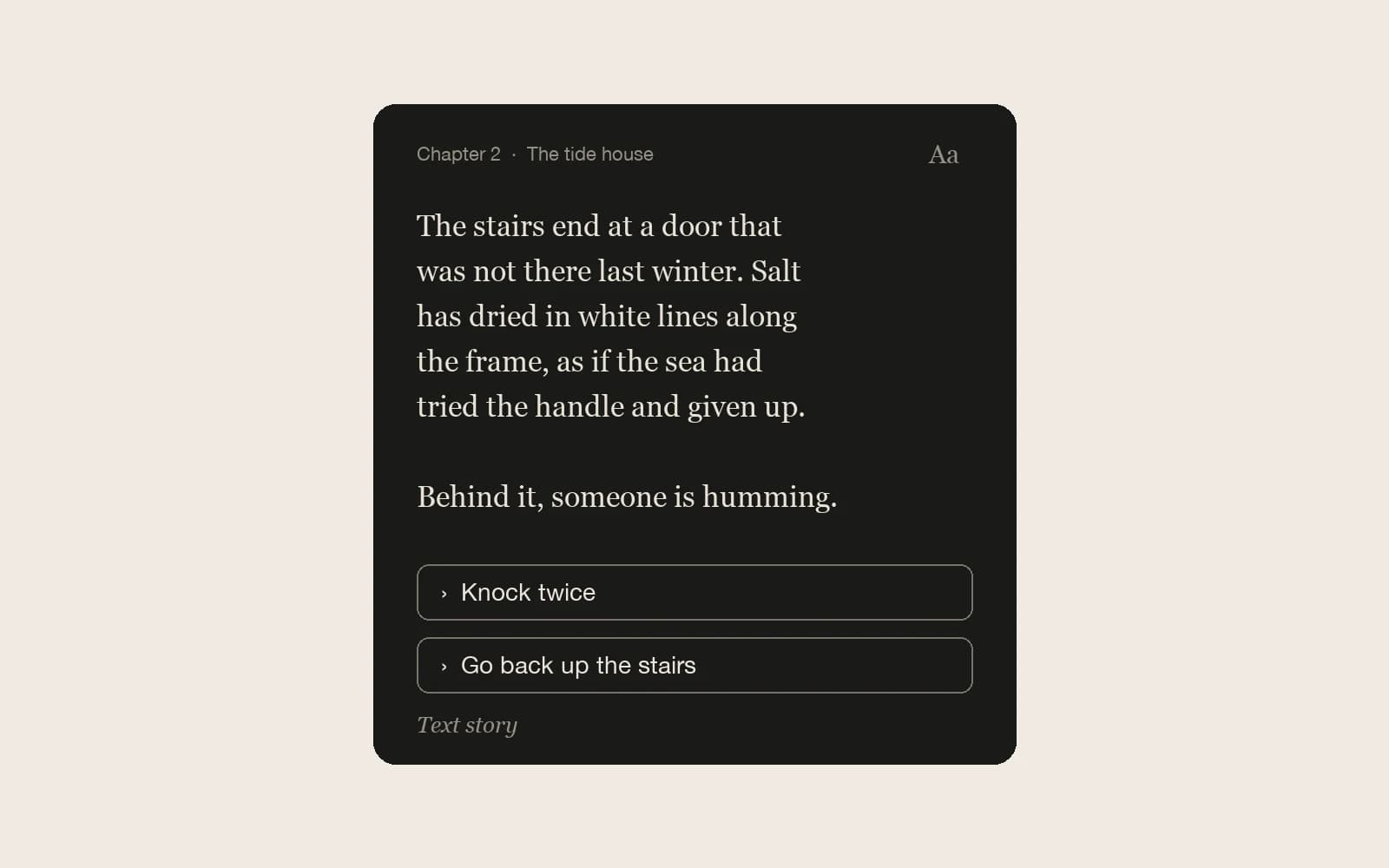
The Import a game dialog that reads Ren'Py projects also accepts two other kinds of interactive fiction: Twine stories and WebGAL games. They arrive differently. A Twine story becomes a text story in Pominis, read one page per passage; a WebGAL game becomes a visual novel with its backgrounds, figures, and music. Either way you get a new project that you can play, edit, and continue with the agent.
Two invented examples run through this guide: a SugarCube story set in a mountain weather station, where the player has to find a key before the station is shut for the winter, and a small WebGAL game about two classmates on the last night of a summer festival.
What to upload
- Twine: the published .html file from Twine 2, or a .twee or .tw source file. Either can also sit inside a .zip, which is how images the story references come along.
- WebGAL: the game folder as a .zip. The import looks for scene/start.txt and reads backgrounds, figures, and music from the folders beside it; the title comes from the game’s config file.
- Size: up to 1.5 GB per file, and a single Twine HTML file can be up to 64 MB.
Open the dialog from Import a game on the workspace home or the Projects page, or attach the file in the prompt box. Fill in Story name and the optional Credit, confirm that you have the right to adapt and publish the work, and choose Import. If the file holds no Ren'Py game, no WebGAL game with game/scene/start.txt, and no published Twine story, the dialog says so and nothing is created.
Twine: Harlowe and SugarCube carry the most
Every Twine story brings its passages, prose, and links. Harlowe and SugarCube stories also bring their logic; stories in other formats, such as Chapbook or Snowman, come across as links and text only.
- Harlowe: (set:) and (put:); (if:), (unless:), (else-if:), and (else:); (goto:) and (display:); link macros such as (link-goto:) and (click-goto:); and visit checks such as (visited:).
- SugarCube: <<set>>, <<if>>, <<link>> and <<button>>, <<goto>>, <<include>>, the StoryInit passage, hasVisited(), and setter links such as [[Take the key|Mast][$key to true]].
- Macros that pick at random or ask for input, such as (either:), cycling links, <<cycle>>, and <<textbox>>, keep their first option or their default value.
- <<script>>, <<widget>>, <<audio>>, and other macros outside these lists are left out. The story is shown in the Pominis text reader, not with its own stylesheet.
:: Mast
The mast groans. Snow sifts under the door.
<<if $key>>
  [[Unlock the instrument room|Instruments]]
<<else>>
  [[Search the desk again|Desk]]
<</if>>
[[Leave before the storm|Road]]
In Pominis this passage becomes one page. Its prose is the page text, the links become choices, and the <<if>> still decides which of the first two a player sees: someone who picked up the key earlier can open the instrument room, and someone who did not is sent back to the desk.
Images referenced with [img[...]] or <img> are kept only when the image file is inside the same zip as the story, and each page shows one picture. Links on an ending passage are dropped, because an ending closes the story.
WebGAL: scenes, figures, and choices
A WebGAL game converts into a visual novel. The import reads dialogue lines and intro text; changeBg and changeFigure, with left, center, and right positions; bgm; choose; setVar, including increments; -when conditions; changeScene, callScene, label, and jumpLabel; and end.
changeBg:festival_night.webp;
changeFigure:hina_smile.webp -left;
Hina:The fireworks start in ten minutes.;
choose:Stay for the fireworks:stay.txt|Walk her to the station:station.txt;
Here the background and Hina’s figure become the scene image, her line becomes dialogue, and the two options become choices that lead into the scenes from stay.txt and station.txt. A choice with a condition keeps it, but WebGAL options that are shown and cannot be picked are hidden in Pominis instead.
- Videos played with playVideo are left out.
- Live2D and Spine figures are not drawn, so give those characters static figure images if you can.
- Animations, effects, mini avatars, CG unlocks, and text box settings are ignored.
- getUserInput uses its default value.
Limits shared by every import
One import runs per account at a time, and an import that takes longer than 30 minutes is stopped. Nothing is published until you publish it, and the uploaded file is deleted after the import. The import does not list what it left out, so play the result from the first page and compare it with the original before you share it.
Only import work you made or whose license allows adaptations, such as CC0 or CC BY, and put the author and license in the Credit field so they travel with the story.
What to do next
An imported Twine story is a text story, so it can be published with no pictures at all. If a few moments deserve one, ask the agent: it suggests which moments to illustrate and asks before spending credits. An imported WebGAL game already has its art, so ask the agent to translate it, write the scene that was always missing, or continue from an ending. From here on, the project is ordinary Pominis material.