Comparisons · 3 min read
Twine alternative for visual stories
Twine is free and excellent for text-first branching fiction. When a story needs characters, scene art, and staged dialogue, compare a visual workflow.
Twine is an excellent, free tool for mapping links, choices, and text-first interactive fiction. The question is not which tool is better. It is whether your next draft is mainly a network of passages or a sequence of performed scenes, where the reader needs to see who is speaking and where.
Passages versus scenes
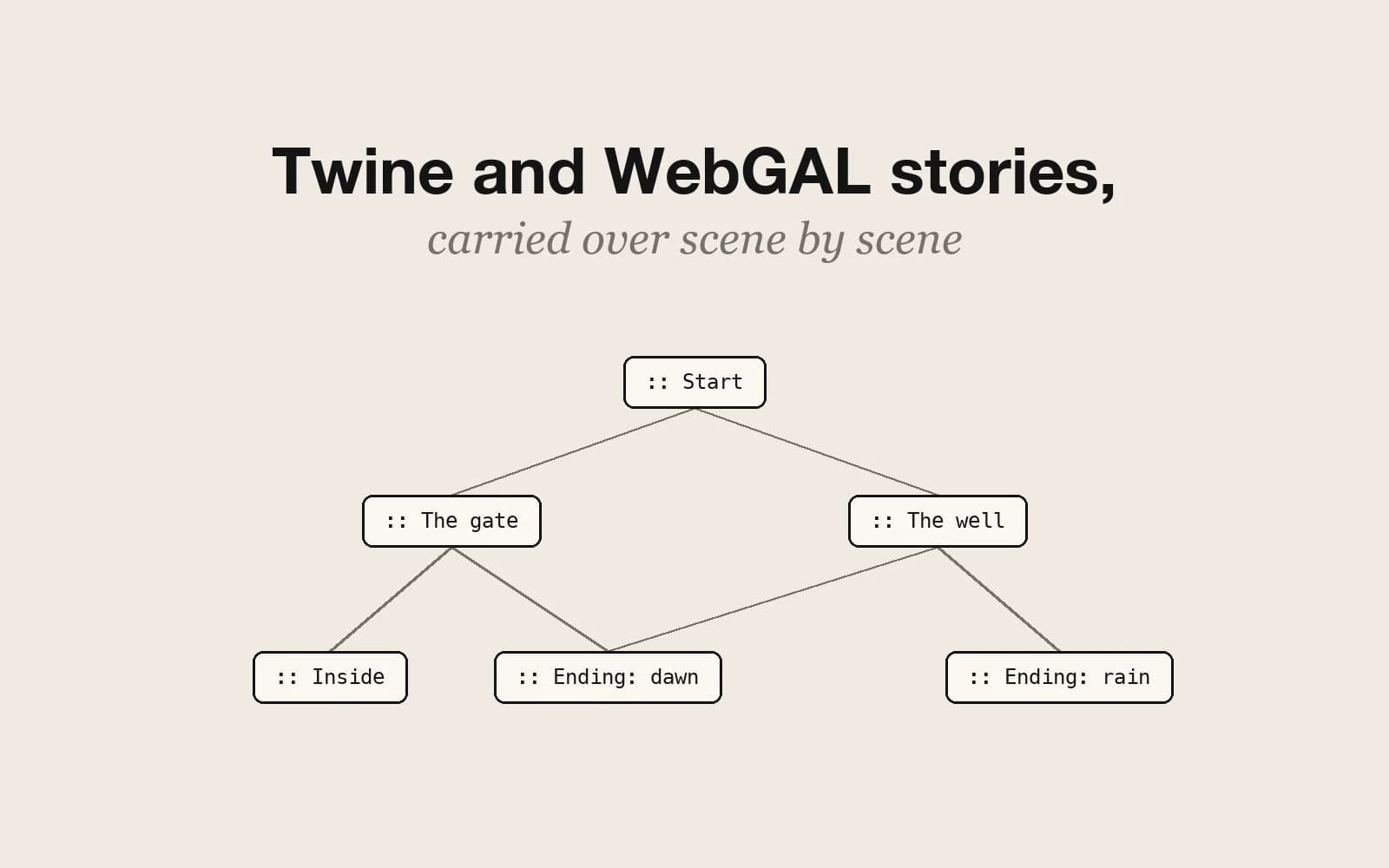
Twine asks you to think in passages and links: a block of prose, then the words the reader can click. Pominis asks you to think in scenes: a background, the characters present, lines of dialogue in a text box, and the choices at the end. Both can represent the same branches. They make different parts of the experience visible while you write, and that changes what you notice.
What Twine does well
- Fast text prototypes where writing and linking passages is the main work.
- Story formats, variables, and custom code for projects that need their own logic or interface.
- A long interactive-fiction tradition and a community that shares formats and techniques.
- Free, open-source, and runs in a browser or as a desktop app.
What a visual workflow adds
- Characters with a portrait and design sheet that stay recognizable from scene to scene.
- A background image for each scene and dialogue shown line by line, as in a visual novel.
- AI drafting of structure, dialogue, and art from a premise or an existing script.
- A hosted link that plays in any browser, with nothing to upload or host yourself.
What it takes away is Twine's openness. Pominis has its own interactive mechanics, such as relationships, clues, and flags, but no custom code, no story formats, and no way to change how the player works.
Cost, hosting, and export
Twine is free, and publishing gives you an HTML file you host wherever you like. Pominis is free to publish public or private stories on its own site, while AI generation spends credits, with daily credits on the free plan. Unlisted links and exporting a story as HTML need a paid plan.
Try the same slice in both
Take one premise and build the same short slice in each: an opening, one choice, and what follows it. In Twine, link the passages and see whether the logic reads clearly as prose. In Pominis, describe the same slice to the agent and play the scenes it builds. The better tool for this story is the one whose preview taught you more about it.
Switching in either direction
Move a story from Twine to Pominis when readers need to see a character, a place, or a mood to understand a choice. Move it the other way when the story is mostly text, variables, and custom passage behavior, and the scene production is getting in the way. From Twine to Pominis there is now a direct path: Import a game reads a published Twine 2 .html file or a .twee file. Harlowe and SugarCube stories keep their links, variables, and conditions, other story formats keep links and text, and custom macros and scripts are left out. The story arrives as a text story, one page per passage, and you can ask the agent to illustrate its key moments. Nothing exports from Pominis back to Twine, so the move the other way is still a rewrite: carry over the choices, the conditions behind them, and the labels readers see.