Use cases · 4 min read
Text adventure maker: write interactive fiction
The Text story format in Pominis: prose pages with choices, a reader with night mode and text sizes, and pictures only where you ask for them.
Not every interactive story needs a picture on every screen. Text story, the fifth creation format in Pominis, is for interactive fiction told in prose: the reader gets one page at a time, reads it, and chooses. The startup brief sums it up: “Read like interactive fiction, one page at a time. Scenes need no images; key moments can have illustrations.”
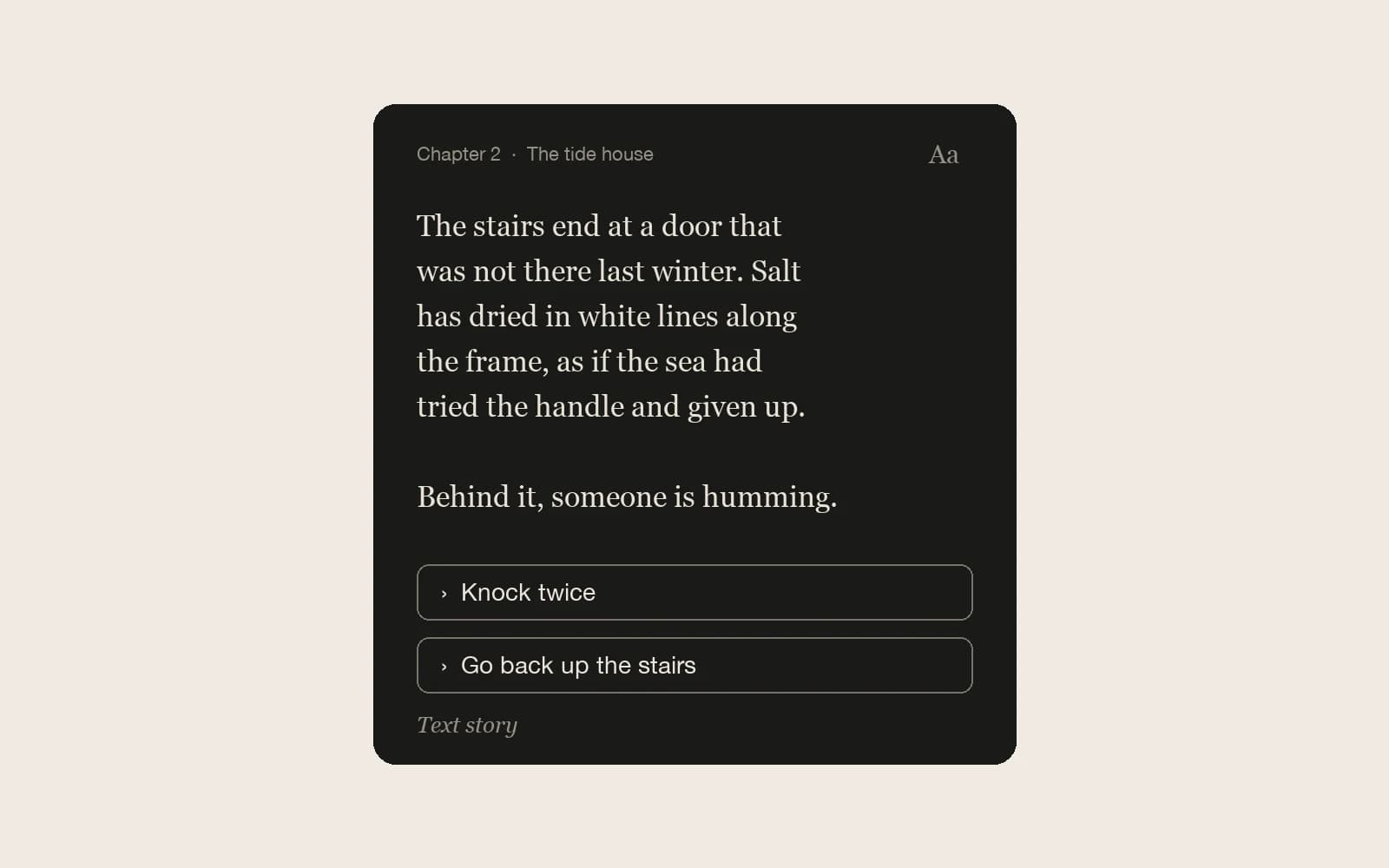
The running example is invented: The Tide House, a short text adventure in which a woman returns to her aunt’s house by the sea and finds a door on the stairs that was not there last winter.
Choose Text story in the startup brief
Start a project in VN Studio as usual, with a premise in your first message. Before generating, the agent shows the startup brief; under Creation format, pick Text story. Length and flow structure are set the same way as for the other formats. From there the agent writes prose pages: mostly narration in paragraphs of two to four sentences, dialogue where it helps, roughly four to ten lines a page, and a choice where the story turns.
For The Tide House, a useful first message is: “A text adventure in the second person. You return to your aunt’s house on the coast and find a door on the stairs that was not there last winter. Three chapters. The first choice: knock, or go back up. Keep the tone quiet and a little strange. No pictures for now.”
What a text story skips, and what it keeps
A text page needs no image, portrait, music, sound, or motion, and the agent does not make any of them unless you ask. Characters are optional too: a story can be told in narration alone. That makes a first draft quick to produce and cheap to change, because rewriting a page never throws away art made for it.
The structure is the same as in any Pominis story. Pages link into routes, choices can depend on what the player did earlier, chapters and endings work as usual, and the canvas shows every page, so you can see where the branches go and open any page to edit it.
How it reads
- One page per scene. Each new page starts at the top, like turning a page.
- Night reading by default, with a Night and Day toggle for readers who prefer dark text on a light page.
- Three text sizes, changed with the A− and A+ buttons.
- Numbered choices, which can also be picked with the number keys; Enter or the right arrow continues when a page has no choice.
- History and Saves in the reader, so a player can look back or return to a page later.
- A chapter heading on the first page of each chapter, with the story title at the top.
When characters speak, the reader names each speaker once per run of lines and gives every speaker a steady color, so a conversation stays easy to follow without portraits.
Pictures only where they earn it
When the text is done, the agent offers to illustrate a few key moments, usually two to five, such as a first sight of the world, a turning point, or an ending, each with a one-line reason. It asks before generating anything, because images spend credits. You can choose pictures that show the main characters, for which portraits are made first and included in the quoted cost, or scene-only pictures of a place, an object, hands, or a silhouette, which cost less.
In The Tide House, a scene-only picture suits the door on the stairs: salt dried along its frame, nobody in view. It gives the reader one fixed image without deciding what the aunt looked like. An illustration sits at the top of its page, and the pages around it stay text. If you illustrate the opening page, that picture also becomes the story’s cover.
Publishing a text story
Text stories can be published with no pictures at all. For the other formats, public and unlisted publishing waits until every scene has an image; text pages are exempt, though the story still has to play from start to finish. Play every route in the draft first, exactly as you would for a visual novel.
Text or visual novel?
- Choose Text story when the voice of the prose is the point, when a place is better imagined than shown, or when you want to draft and rework branches quickly before spending credits on art.
- Choose Classic interactive story when the player needs to see places, faces, and expressions, and the scene art carries information the text would otherwise have to explain.
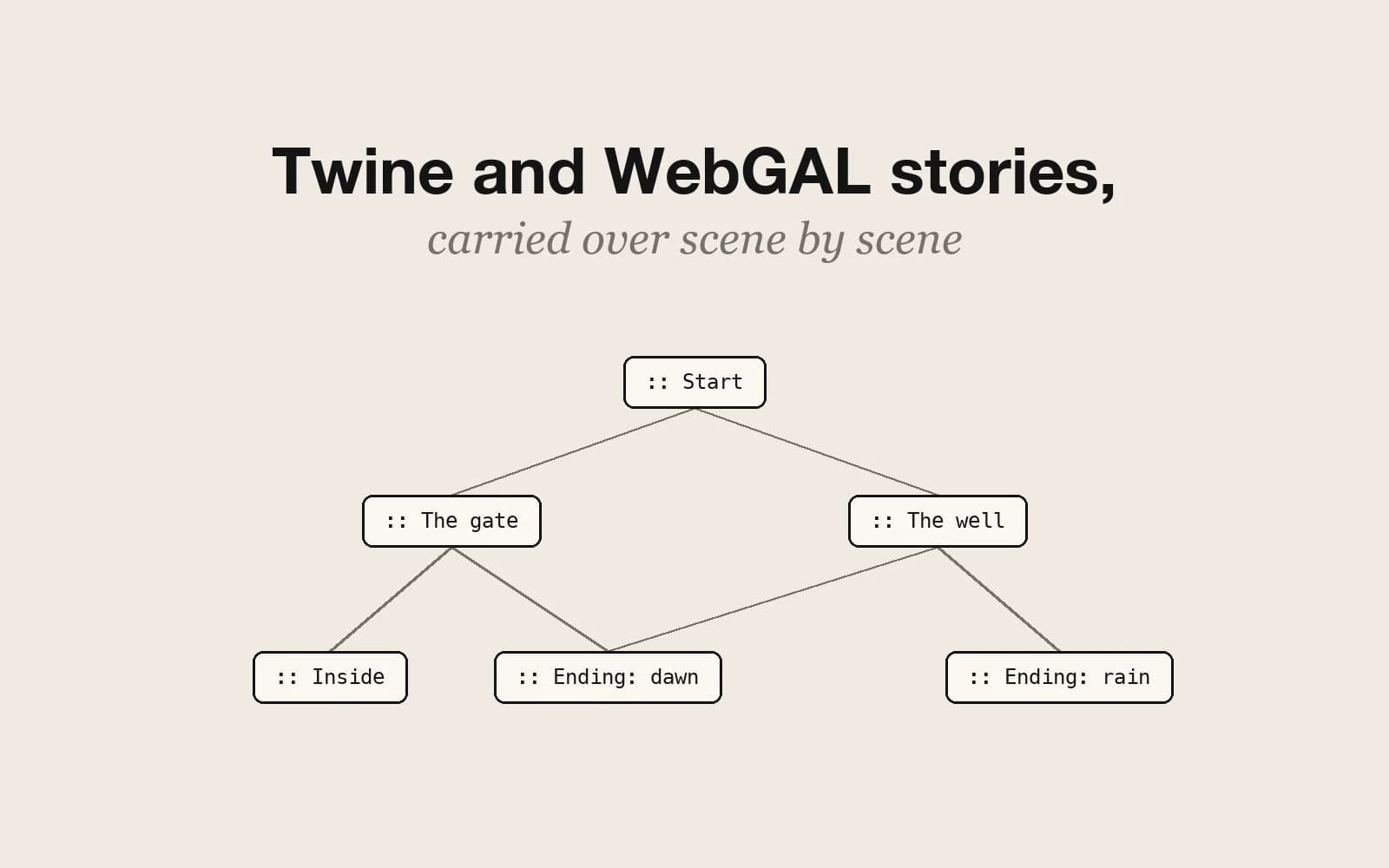
- If the story already exists in Twine, you do not need to retype it: imported Twine stories arrive as text stories.
A text draft is also a fair test of a branching idea. If the choices hold up as prose, they will usually hold up with pictures; if they do not, art will not rescue them.