Publishing · 3 min read
How to publish an interactive story online
A checklist for turning a branching draft into a story people can open and play in a browser: title, description, cover, route testing, and visibility.

Publishing an interactive story online is more than uploading a file. Readers need a clear title, a useful cover, a route that works from the first click, and a link that opens without a setup tutorial. Start by treating the published page as the reader's first scene.
1. Play every route in the draft
In VN Studio, open the story with Play draft on the Final product card and play it exactly as a reader will. Do this before the publish dialog, not after: a broken link found now costs a minute, and one found by a reader costs the reader.
- Play every meaningful choice and confirm that each route reaches an intentional scene or ending.
- Check text, images, audio, and choice labels at the size your readers will use, including a phone.
- Make sure every scene has an image. Public and unlisted publishing are blocked until each scene has one, and the dialog tells you how many are missing. Text stories are the exception: their pages can be published without pictures.
- Ask one new reader what they thought their choice would change.
2. Write the title and description
The publish dialog starts with Title and Description. Write a title that says what the story is about, then a description that names the genre, the player's role, and the decision at the center in its first two sentences. That is what a visitor, or a search engine, reads before deciding to play.
3. Choose the look of the story page
Add genre tags, pick a cover that still reads at a small size, and optionally set Home music, the track that plays while readers are on the story's home screen. On the next step, choose a player style preset. Phone chat stories work differently: instead of a cover they use a lock screen, shown in a 9:16 phone frame on published cards, and instead of player styles they have Phone appearance presets such as System, Rose, Ocean, Paper, and Neon for the bubbles, background, and icons.
4. Set the visibility
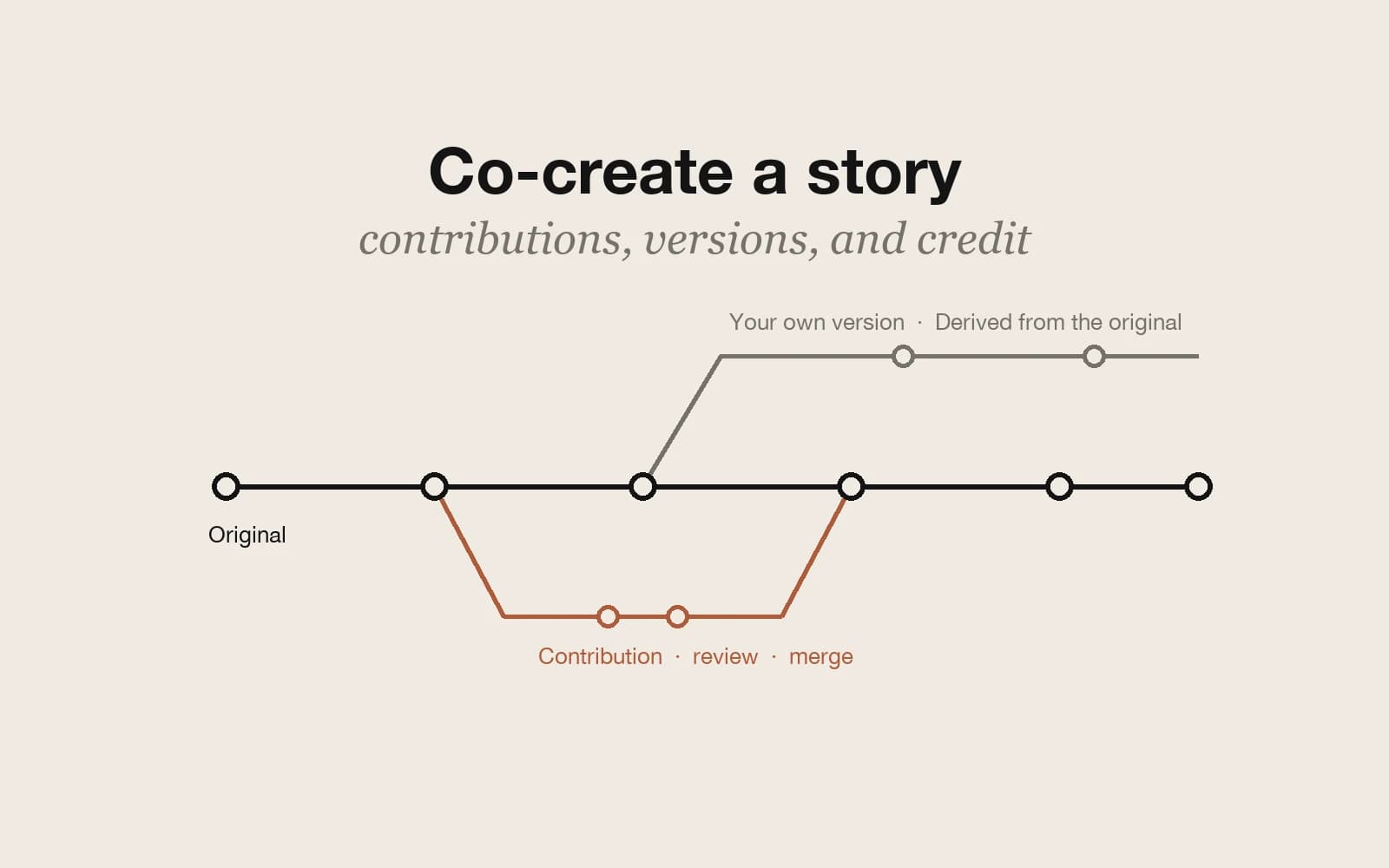
Public stories are listed in discovery and on your profile, and anyone can play them. Private keeps the story to yourself while you are still changing the structure. Both are free. Unlisted keeps the story out of public listings but lets anyone with the link play it; unlisted links and HTML export need a paid plan. A public story also shows Creation permissions: Allow derivative stories is on by default, and Allow collaborative contributions stays off until you turn it on. When the story is live, copy its share link.
5. Review the published version
- Open the shared link while signed out.
- Confirm the cover, title, description, and author name are visible.
- Play the first choice on both desktop and mobile.
- Ask one reader what they expected to happen next.
After release, the story page shows plays and likes. For anything more specific, such as where a reader got confused or which ending they reached, ask them directly. If readers cannot explain the premise or find the first choice, revise the opening before adding more content.