Making & testing · 3 min read
Continue, remix, and grow an interactive story
After the first draft: add the next chapter, restore or branch from an earlier point, invite editors, and let other creators remix or contribute.

A first draft is a starting point. Once a Pominis story plays from beginning to end, there are several ways to take it further, and each suits a different goal: making the story longer, trying a risky change safely, writing with someone else, or opening the story to other creators.
The running example is an invented heist story whose first chapter ends in two ways: the crew escapes with the ledger, or the youngest member is caught while the others get away.
Add the next chapter
When a chapter is finished, tell the agent what should happen next: “Chapter two picks up a week later. In the escape ending, the ledger turns out to be a forgery. In the caught ending, the youngest is released without explanation.” The agent drafts the next chapter's outline from the current state of the story, and the canvas shows it as a new chapter with its own entry point. An ending in the earlier chapter can then lead into it instead of closing the story.
Before you ask, finish the current chapter, including its images, and play every ending. Write down what each one leaves open. A new chapter is strongest when it answers a question the player is already carrying, such as why the youngest was released, rather than starting a fresh plot. The agent works the same way: once a chapter is complete, it suggests discussing the next one's direction instead of jumping ahead.
Undo a direction that did not work
The agent saves checkpoints as it works. On any of your messages, Restore to before this message returns the story, characters, and media to how they were before it, and you can choose whether to also rewind the conversation. If the restore was a mistake, Undo restore is available until you send the next message. Restore version, in the chat menu, steps the whole draft back to the previous checkpoint.
That makes a bold request reasonable, such as “make the youngest the one who planned the betrayal”: try it, play it, and roll it back if it does not hold.
Try a bigger change in a copy
For an experiment you want to keep beside the original, use Make a copy to create a private editable copy in your projects. To start the copy from an earlier point instead, choose Branch from before this message on one of your chat messages: it creates a new private project with the story as it was before that message and leaves the current one unchanged. Develop the alternative there, play both versions, and keep the one that works.
Write with other people
Share Studio lets you invite editors by their Pominis account email. Editors share the same draft and can use their own credits for AI changes; only the owner can publish, rename, export, delete, or manage access. You can also turn on link sharing, which lets signed-in viewers review the project and make their own copy without touching yours.
Let other creators remix or contribute
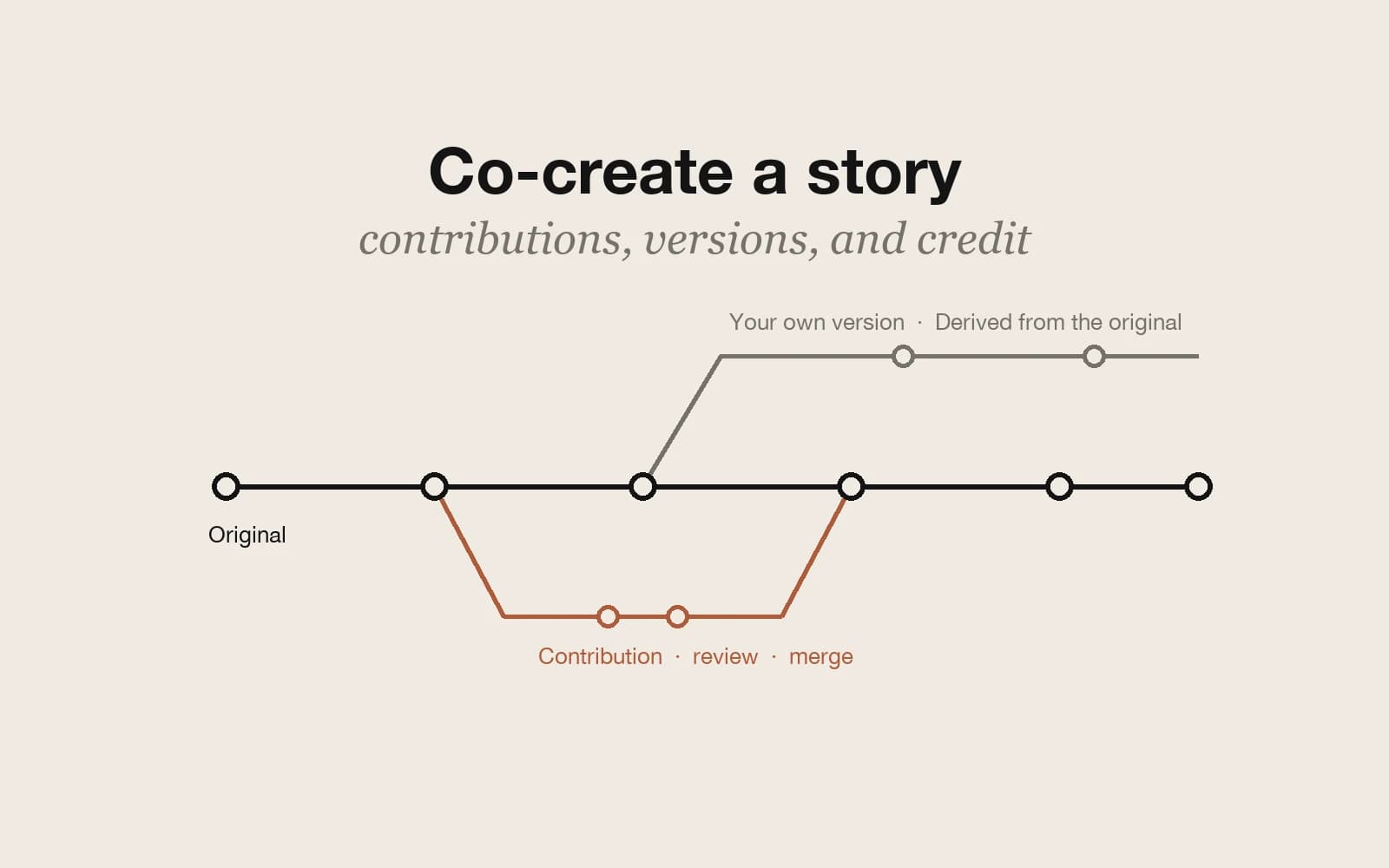
Two settings open a public story to other creators: Allow derivative stories, which lets them publish their own version credited to you, and Allow collaborative contributions, which lets them edit a copy and send it back for your review. The co-creation guide covers how each one works, from the buttons readers see to reviewing, merging, and conflicts.
Pick the right tool
- A longer story: ask the agent for the next chapter.
- A risky edit: make it, play it, and restore if needed.
- A parallel version for yourself: Make a copy, or Branch from before this message.
- A co-writer on the same draft: invite an editor.
- A world others can build on: allow derivative stories or accept contributions.