Visual development · 4 min read
AI visual novel character creator
How Pominis builds a character once, with a profile, a portrait, and a design sheet, reuses it in every scene of the project, and revises it safely.
The hard part of AI character art is not the first portrait. It is the twentieth scene, when the same person has to appear in the rain, at night, from behind, and still be recognizably themselves. In Pominis a character is built once per project and then reused: every scene in that story draws on the character's established identity instead of reinventing it each time.
The example is an invented character: Ilse, an adult lighthouse mechanic with a yellow oilskin coat, cropped gray-streaked hair, a brass wrench on a cord around her neck, and an old burn scar across the back of her left hand.
What a Pominis character is made of
- A profile: name, concept (role, hook, and dramatic function), appearance, background, and optional details such as likes, dislikes, and small habits.
- A portrait: the character's main image, shown in the story and used as the first identity reference for scenes.
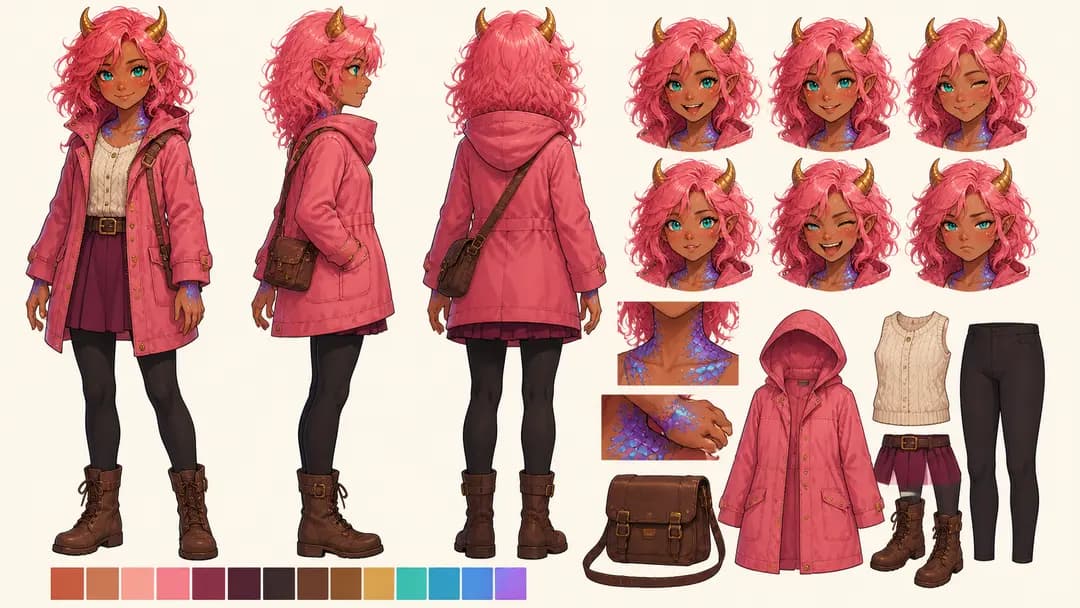
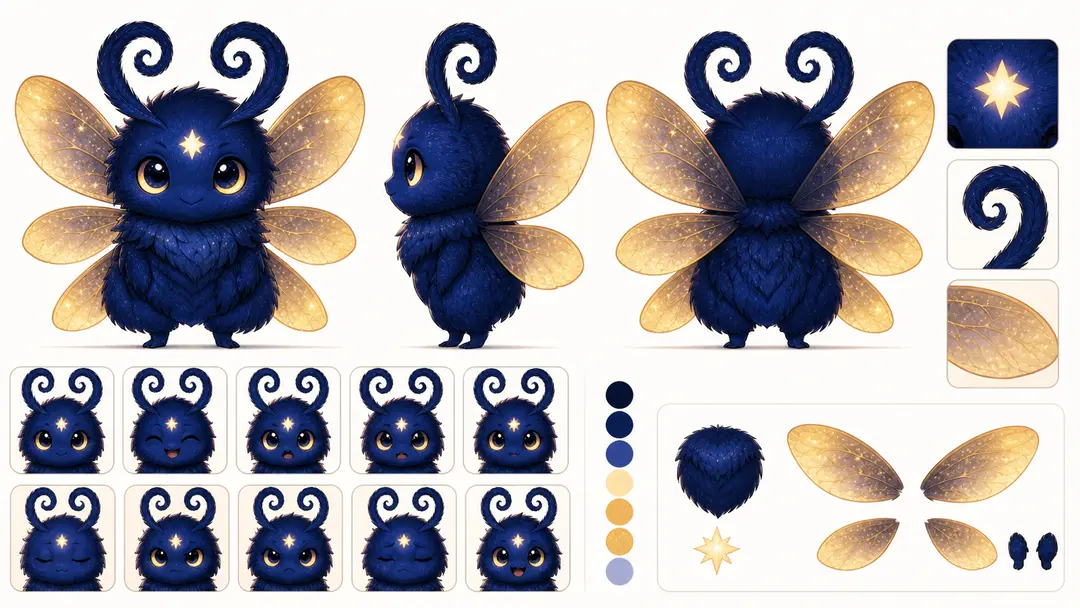
- A character design sheet: the same design from several angles, recording the details a single portrait can hide.
- A short identity description kept apart from scene details: face, hair, build, palette, distinctive features, and default outfit, with no pose, lighting, or location.
That last separation matters. “Ilse at the top of the tower in a storm” is a scene. “Yellow oilskin coat, brass wrench, burn scar on the left hand” is Ilse. Keeping the two apart is what lets one description work in every scene.
How the reuse works
When the agent generates a scene image, it sends the portraits or design sheets of the characters in that scene to the image model as references. A reference image you uploaded for a character can serve the same purpose. The result is not pixel-identical, and a crowded composition can still drift, but the model starts from the same person every time instead of from a paragraph of adjectives.
Edits work the same way. A plain-language edit on a scene image also carries the character references, so asking for “the same shot at dusk” does not quietly change Ilse's coat.
Settle the character before the scenes need it
Characters come before dialogue scenes in the agent's workflow, and they appear on the canvas as the Character design board. Review that board before approving scene images. Open a character's card to see the portrait, the design sheet, and the profile, and fix what is wrong now, because every later scene inherits it.
If you already have art for a character, attach it in the chat or use Upload portrait in the Character Editor. If a detail must never change, say so in your first message: “Ilse's coat is always yellow, and the scar is on her left hand.”
Revise without starting over
- Refresh portrait, with an optional note such as “side pose, darker lighting”, when the design is right but the image is not.
- AI polish character, with “Preserve the character visual identity as much as possible” turned on, when you want to change personality or background without changing the look.
- A plain-language image edit through the agent, such as “make the wrench brass, not steel”, when one detail is off.
- The profile fields themselves, when the words are wrong: appearance, background, and concept are what later work is based on.
Check the character where the reader meets them
- Compare the portrait with the first scene that shows the character: same silhouette, colors, and signature prop?
- Look at the character behind the dialogue box, at the size your readers will play.
- Check a scene with two characters: neither should borrow the other's hair or clothes.
- If a detail keeps drifting, simplify it rather than adding adjectives to every request.
Using the same character in another project
Characters belong to the project they were made in; there is no shared character library across projects yet. To bring Ilse into a new story, download her portrait or design sheet from the first project, upload it in the new project's chat or with Upload portrait, and paste her identity description into your first message. The new project then builds its own character from the same references.
A character who stays recognizable lets the player spend their attention on what that character says and what the choice costs, not on whether this is the same person as three scenes ago.