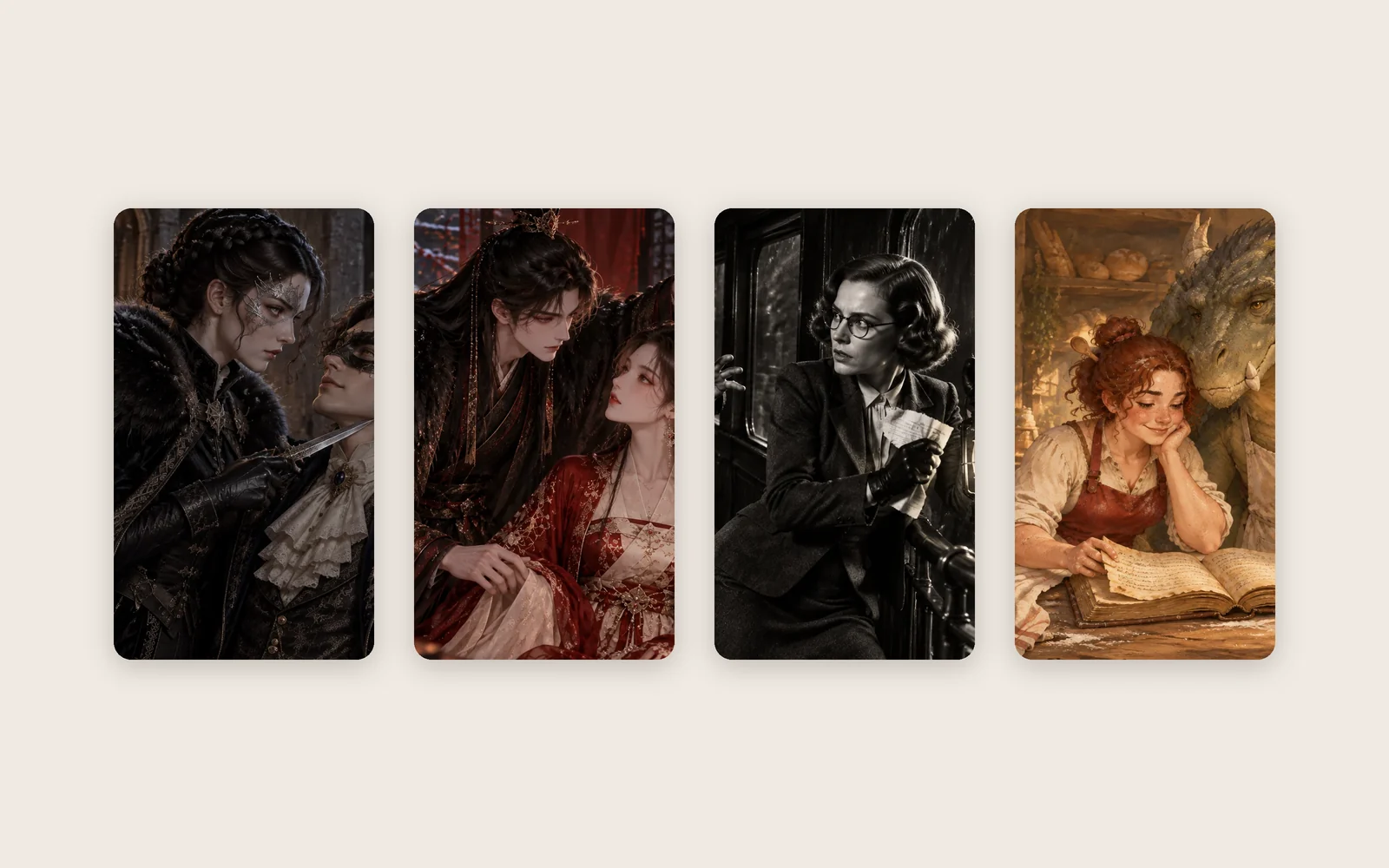
Chat with story characters who know the story
People from published Pominis stories now talk back, in their own voice and in a scene from their story. They only know the chapters you have played.
Every published story on Pominis has people in it: the friend who texts at 2 a.m., the knight at the gate, the rival across the ballroom. Until now you could only meet them inside the chapters the author wrote. Now you can also talk to them directly, outside the plot, and they answer as themselves.
Where to find them
There is a new Characters tab. It lists the people from published stories, each on a card with their picture, their name, the story they come from and a short introduction that sets the scene where you meet them.
You can also reach them from a story. Every story page lists its cast with a Chat button, and at the end of a chapter the player offers to keep talking to the people who were in it, while what just happened is still fresh.
Open a character and you see a setting card and their opening line. You can read both without an account. To reply, sign in.
What a chat looks like
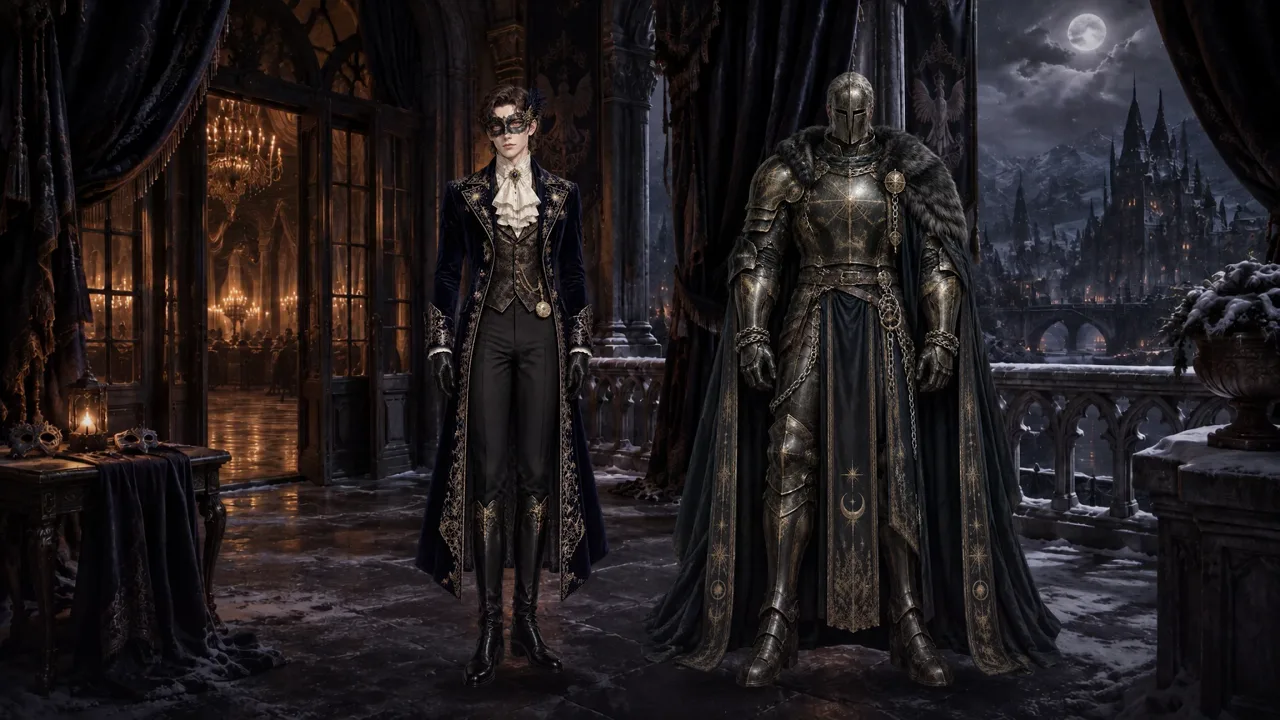
A chat is staged as a scene from the story, not a plain message window. The story’s background sits behind the conversation and the character’s figure stands in it; in newer stories, their expression changes with what they say. Under each reply there are a few suggested answers you can tap, or you can type your own.
You speak as the role you play in that story. If the story casts you as the new apprentice or the detective’s partner, that is who the character thinks they are talking to, and they treat you the way they would treat that person.
They know the story, up to where you are
Each character speaks in their own voice. It is built from their setting and from the lines they actually say in the story, so the sharp-tongued one stays sharp and the quiet one stays quiet.
They also know what has happened, but only as far as you have read. A character knows the chapters you have played and nothing after them, so a chat will not give away a twist you have not reached. If you have not played the story at all, they talk to you as if it is just beginning, and a Play story button is there when you want to go and read it first.
They remember what you tell them
As you talk, the character keeps short notes about you: what you told them, what you asked, what you promised. Open What they remember to read those notes yourself. If you want a clean slate, Start over clears the conversation and the notes with it.
Nothing in a chat changes the story. The chapters stay as the author wrote them, for you and for every other reader. The chat sits beside the story, not inside it.
For authors
If you have published a public story, readers can chat with its characters by default. There is nothing to set up: the voice comes from the characters and dialogue you already wrote, and each character only knows as much of your story as the reader has played.
If you would rather readers did not, open your story page and turn off Let readers talk with the characters. Chats for that story close, and its characters leave the Characters tab.
Cost and daily messages
Chatting does not use credits. A free account can send 10 messages a day. Paid plans have no daily limit.
Questions about character chat
Do I need to finish a story before chatting? No. You can talk to anyone straight away. They will only know the chapters you have played, and if you have played none, the conversation starts at the beginning of the story.
Can a chat spoil the story? It should not. Characters do not know about chapters you have not played yet.
Will my chat change what happens in the story? No. Chatting never changes the story, for you or for anyone else.
Can I see what a character remembers about me? Yes. Open What they remember in the chat. Start over clears it along with the conversation.
Is there an adult setting? Adults can turn on an optional 18+ setting for their own chats after confirming their date of birth once; it applies only to adult characters.
Can I stop readers from chatting with my characters? Yes. Turn off Let readers talk with the characters on your story page.