Writing · 5 min read
How to write a visual novel script
A visual novel script format with a real sample: speakers, expressions, stage directions, and choices, plus how to map scenes and revise a route.
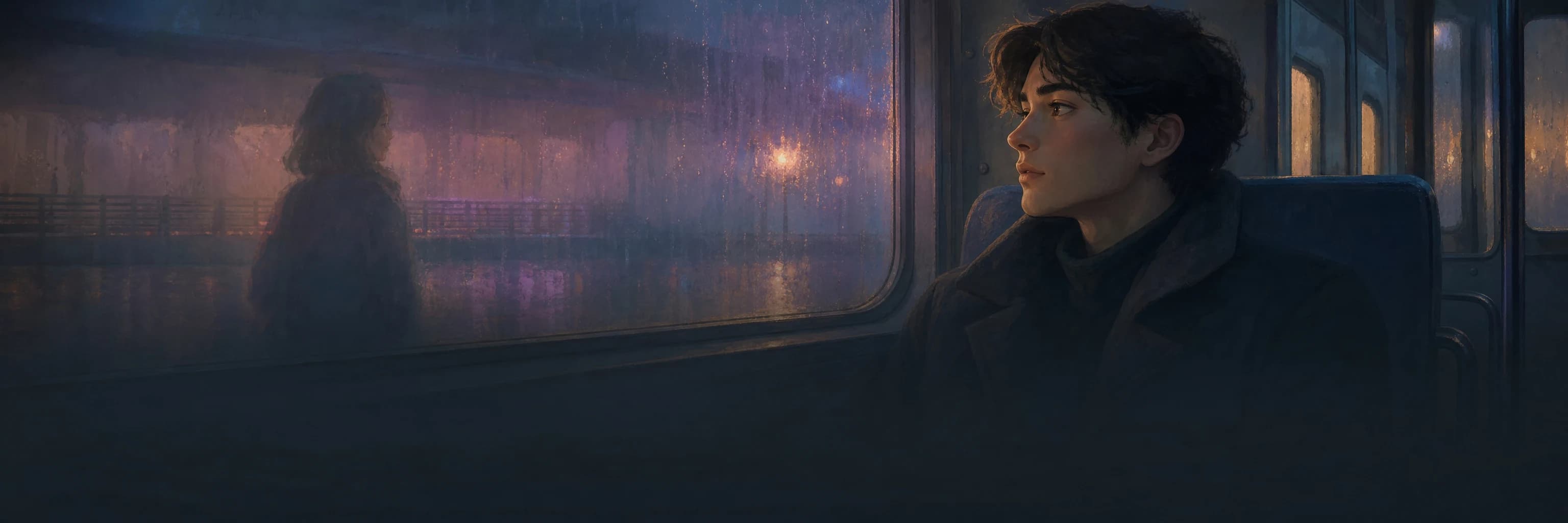
A visual novel script is not a screenplay with pictures added. Every line is read in a text box, over a background, next to a character whose expression can change mid-scene, and some lines end in a choice that sends the reader somewhere else. The script has to carry all of that in a form you and your tools can read.
This guide uses one invented scene throughout: a station attendant, Aiko, minutes before the last train leaves, and a stranger who says a passenger on board is in danger.
A visual novel script format you can reuse
There is no single official format. What matters is that each kind of information has its own consistent shape, so a reader, a collaborator, or an AI adapting the script never has to guess whether a line is dialogue, direction, or a branch. Here is the scene written that way:
SCENE 3 — PLATFORM 4, 23:52
[BG: empty platform, rain on the canopy, departure board reads 23:55]
[MUSIC: low strings, continues from scene 2]

NARRATION: The doors are still open. The conductor is already checking his watch.
AIKO (tense): You said someone on board is in danger. Who?
STRANGER (not meeting her eyes): The woman in car six. She doesn't know yet.
CONDUCTOR (off, calling): Thirty seconds, Aiko!

CHOICE
  > Hold the train and check car six     -> SCENE 4A  [conductor trust -1]
  > Let it go and call the next station  -> SCENE 4B  [stranger leaves]
- Scene header: a number, the location, and the time. The number is what choices point to.
- Bracketed direction: background, music, and sound, written once when they change rather than on every line.
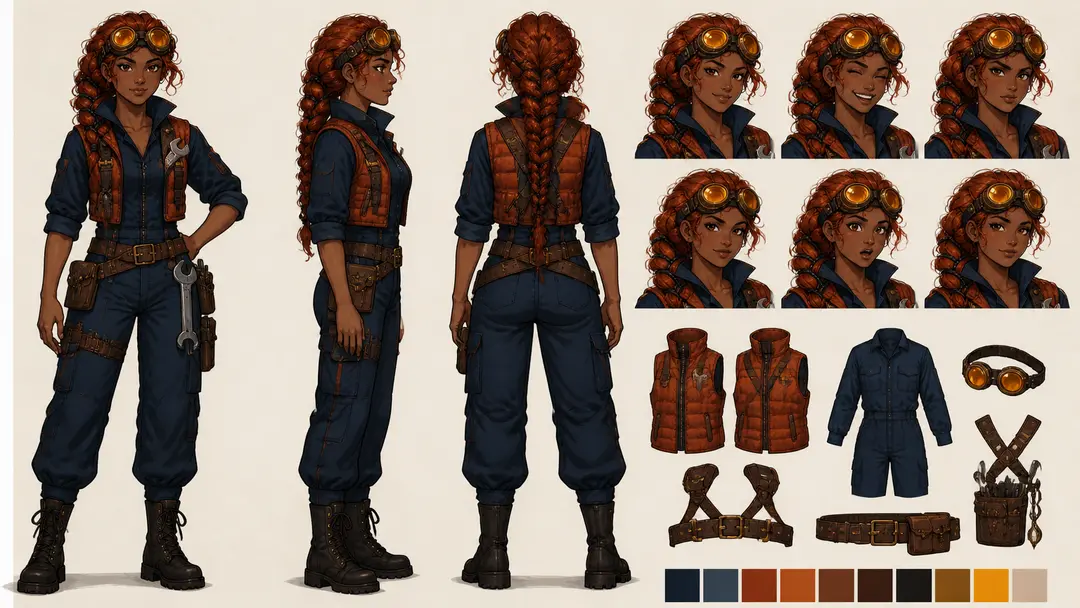
- Speaker lines: NAME (expression): text. The expression tells the artist or the tool which portrait to show.
- Narration: its own speaker, so it is never confused with a character's voice.
- Choice block: each option on its own line, with its destination and, in brackets, what it changes.
Map scenes before polishing dialogue
Give every scene a short card before writing it in full: purpose, location, who is present, what the reader learns, and where it can lead. For the platform scene, the card is “Aiko learns the warning names a real passenger; the conductor wants to leave on time; exits to 4A or 4B.” Connect the cards into a route map. Dead ends, scenes that exist only to repeat information, and branches that never change anything are far easier to see on a map than in forty pages of dialogue.
Write lines for a text box
A reader sees one line at a time, so a line is a beat. Keep most lines to one or two sentences, break a long speech wherever the speaker would pause or the expression would change, and let the portrait do work the words do not need to. “AIKO (tense)” followed by a short question reads faster, and lands harder, than a paragraph describing her nerves.
Stage directions belong in brackets, not in narration. “[SFX: the doors begin to close]” tells the production what happens; narration saying “the doors begin to close” makes the reader read it. Use narration for what only prose can do: a thought, a memory, a sense of time passing.
Write choices as actions with a destination
Each choice line should be something the protagonist does, readable before the reader clicks: “Hold the train and check car six”, not “Wait” or “Yes”. Write the destination next to it from the start. A choice without a destination is the most common reason a script cannot be built, and the bracketed note on what it changes, such as trust, a clue, or a lost ally, is what keeps the later scenes honest about it.
Revise the script in passes
- Structure: every scene number that a choice points to exists, and every scene can be reached.
- Voice: read one character's lines in a row; they should sound like one person.
- Continuity: names, props, times, and who knows what stay consistent across routes.
- Direction: backgrounds and music change only when the scene needs them to.
- Play: a new reader can say what they chose and why the next scene followed.
From script to playable scenes in Pominis
If the script already exists, upload it to VN Studio as TXT, Markdown, PDF, or DOCX and choose Faithful adaptation, so your lines stay the source of the story. The guide on turning a script into a visual novel covers that flow in detail.
Inside VN Studio the script lives in three places. On the canvas, the scene board shows each scene with its choices and where they go. In a scene's editor, the Dialogue section lets you add, insert, reorder, and delete lines, and AI rewrite dialogue revises the scene from a note such as “make this more restrained”. Play draft runs the result in the player, which is where pacing problems show up. Pominis also has a separate Script Editor, a plain-text editor with an AI script assistant and version history, which is handy for drafting prose before you bring it into VN Studio; it does not build scenes by itself.