Getting started · 5 min read
How to use Pominis: from idea to playable story
A step-by-step VN Studio walkthrough: chat with the agent, confirm the startup brief, review the canvas, edit a choice, play the draft, and publish.
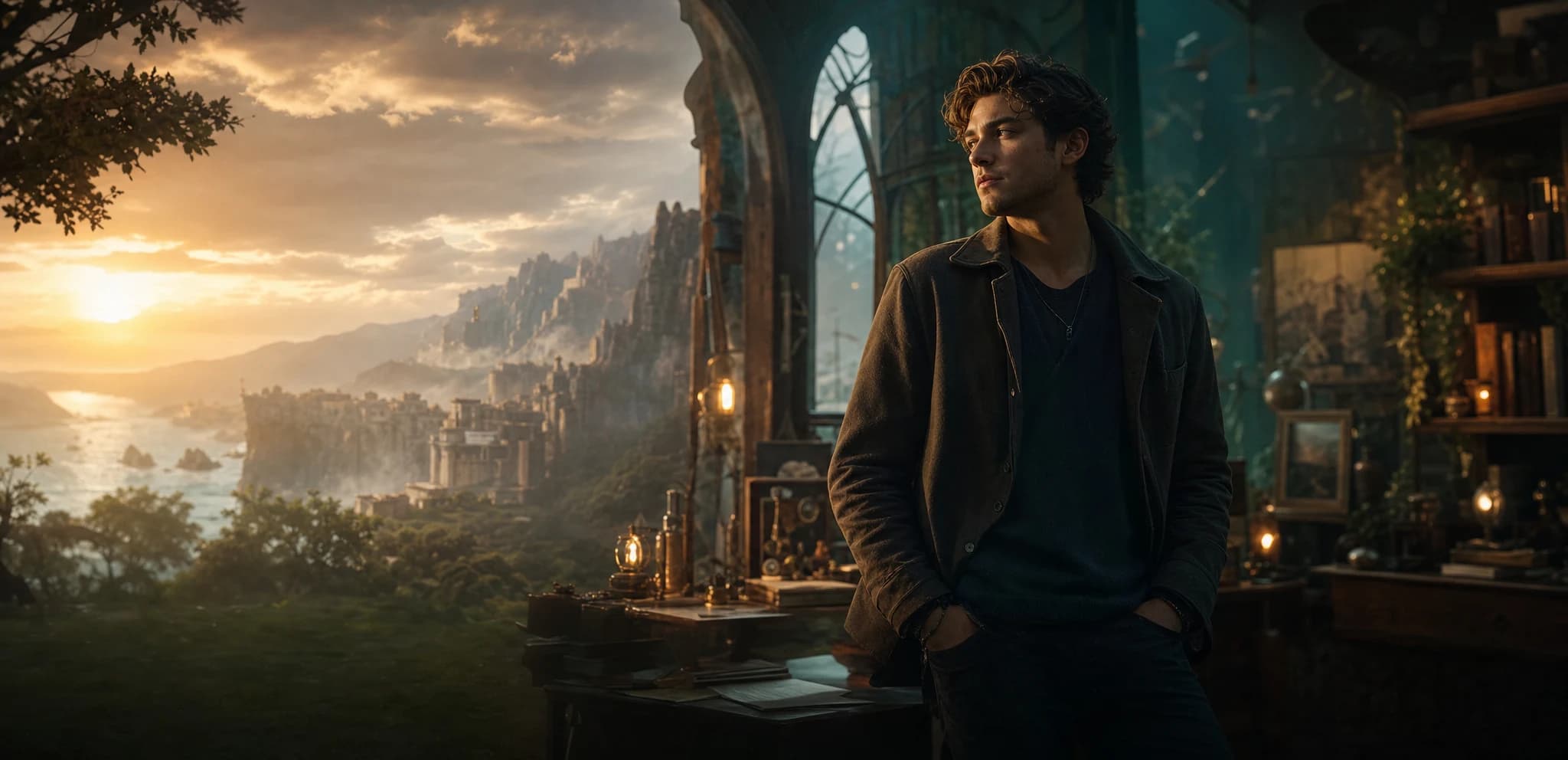
Pominis stories are made in VN Studio. On one side is a chat with the Pominis agent; on the other is a canvas where the story appears as it is written. You describe what you want in plain language, the agent drafts and edits the project, and you can open any part of it and change it yourself.
This walkthrough follows one invented premise from the first message to a published link: a fortune teller at a night market makes up a hopeful prediction to comfort a customer, then watches it start to come true. The player has to decide whether to confess the trick or keep playing the part.
Start with a message, a file, or both
Open VN Studio, or type into the “What do you want to make?” box on your Pominis home. The empty chat puts it plainly: “Tell me your idea, or upload a script or image to start.” The File button accepts PNG, JPG, WEBP, GIF, TXT, Markdown, PDF, and DOCX, so a character sketch or a draft you already wrote can travel with the first message.
A useful first message names the protagonist, the pressure, and the decision: “A fortune teller at a night market invents a hopeful prediction for a grieving customer. The next evening part of it comes true, and the customer returns with a friend who wants a reading too. The player chooses whether to admit the first reading was made up. Keep it short: two main characters and two endings.”
Confirm the startup brief
Before generating anything, the agent shows a startup brief card with the settings that shape the whole project. Creation format offers Classic interactive story, Phone chat story, Hybrid story, and Visual presentation; Content scope sets the length; Flow structure chooses between Single route and Multiple routes; and you can pick up to two genres. Below that are the canvas target (PC landscape or Mobile portrait), the image style, and the image quality.
The agent pre-fills the card from your message. Check it, change what is wrong, then choose Confirm settings and start generation, or Skip · Use recommended. For the fortune-teller story, Short and Multiple routes are the right starting size: small enough to review in one sitting, with room for both endings.
What the agent drafts
- Story outline: the premise, chapters, and a scene-by-scene summary with the branch points marked.
- Characters: a profile for each main character, then a portrait and a character design sheet that scene images use as identity references.
- Dialogue scenes: lines, narration, and choices for each scene, connected into routes and endings.
- Images, music, and motion: a background for each scene, background music assigned from the music library, and optional motion effects on still images.
You can watch the work happen. Each step appears in the chat with its progress, and the canvas fills in as the outline, character design, scene board, and music board become ready. In Collaborate mode the agent pauses at key creative stages for your review; in Auto it keeps going but still stops for decisions and before steps that spend credits.
Read the canvas like a map
The canvas groups the project into boards: the story outline, character design, interactive mechanics, the scene board, the music board, and the final product. The scene board is where branches become visible. Each scene card shows its summary, its choices, and where they lead, and a scene that cannot be reached or points to a missing scene is flagged with a warning such as Unlinked or Missing target.
Follow the fortune teller's route from the first reading to both endings. Check that the confession branch and the keep-pretending branch lead to genuinely different scenes, and that neither ending depends on something the player never saw.
Edit a scene or a choice yourself
Open a scene with Edit scene. The scene editor lets you switch the route between Linear and Choices, set Linear Next, rename a choice and change where it Goes to, add a choice, add a scene after this one, or mark the scene as an Ending node. Its Dialogue section lists every line, which you can edit, insert, reorder, or delete, and AI rewrite dialogue revises the whole scene from a short note. The same panel holds the scene media: generate or upload an image, refresh the visuals, or change the music.
For changes that touch many lines, ask the agent instead: “Keep the structure. In the second reading, make the friend openly skeptical, so confessing costs the fortune teller her reputation, not just one customer's trust.” The agent edits the draft and the chat lists what changed. If the result goes the wrong way, Restore to before this message puts the project back.
Play the draft, then publish
The Final product card on the canvas has Play draft, which opens the story in the player exactly as a reader will see it. Play every route. Then choose Publish to set the title, description, cover, genre tags, Home music, player style, and visibility. Public stories can be discovered on Pominis and private ones stay with you, both free; unlisted links and HTML export need a paid plan.
Generation spends credits, and the amount depends on what you generate and the quality you choose. Starting short keeps the first loop affordable: one complete, playable story you can react to before you ask the agent for more.